

How to Add an AI Agent to Your Website with AskYourPDF
Learn how to build, train, customize, and embed an AskYourPDF AI agent that answers visitor questions using your website content 24/7.
Read storyTopic
Learn how to build, train, customize, and embed an AskYourPDF AI agent that answers visitor questions using your website content 24/7.
Read story
Research faster with AI-analyse PDFs, access millions of papers, generate summaries, and create cited content all in one powerful workspace.
Read story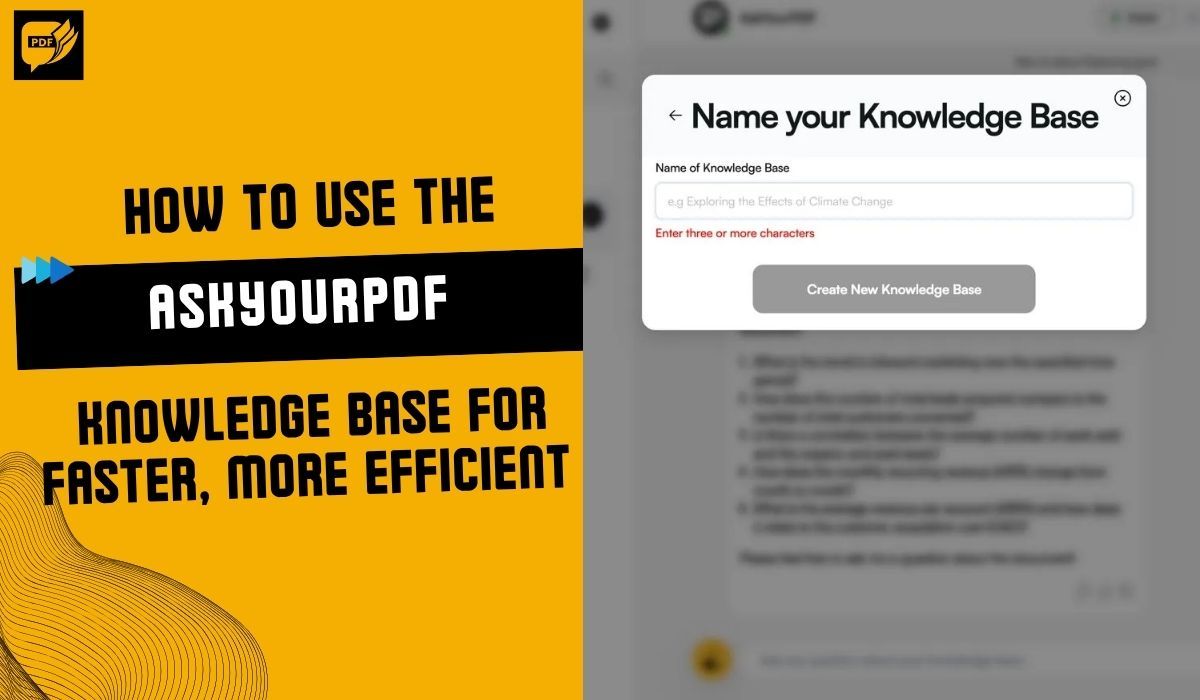
Organize documents, chat across files, and get fast, AI-powered answers with AskYourPDF Knowledge Base to streamline research and save time.
Read story
Looking for the best ChatGPT PDF plugin? Learn how AskYourPDF handles long documents accurately, compares to others, and simplifies PDF research.
Read story
Law firms use ChatGPT for quick tasks, but long case files expose its limits. Here’s when it struggles—and how AskYourPDF handles heavy legal documents.
Read story
Uploading files to ChatGPT can trigger errors and slow you down. Here’s why it happens—and how AskYourPDF makes reading and summarizing PDFs far easier.
Read story
Writing literature reviews is slow and draining. AskYourPDF’s Review Writer gathers your sources, highlights key ideas, and helps you build a clear, structured review.
Read story
Reading long PDFs is stressful and time-consuming. With AI like AskYourPDF, you get instant summaries and clear explanations—no more hours of reading.
Read story
Struggling with long PDFs? AskYourPDF turns bulky documents into clear study notes fast, helping you learn, organize, and save time effortlessly
Read story
Review contracts, research papers, and reports in seconds with AskYourPDF, AI that saves time, preserves layout, and delivers precise insights.
Read story
Tired of reviewing long documents? I tested AskYourPDF, an AI tool that helps you read less, understand more, and work smarter. Here’s my review.
Read story
AskYourPDF made summarizing large PDFs fast and easy. From thesis papers to business docs, here’s my honest review after hands-on testing.
Read story
The PodAnywhere Extension by AskYourPDF is an innovative tool designed to enhance interaction with PDF documents. This extension enables users to convert written content into audio conversations, allowing them to extract information from PDFs as if they were listening to a knowledgeable colleague.
Read story
AskYourPDF Copilot, an AI-powered tool, simplifies the process of extracting information from documents through a conversational interface. By posing natural language questions, users receive relevant answers based on the document's content.
Read story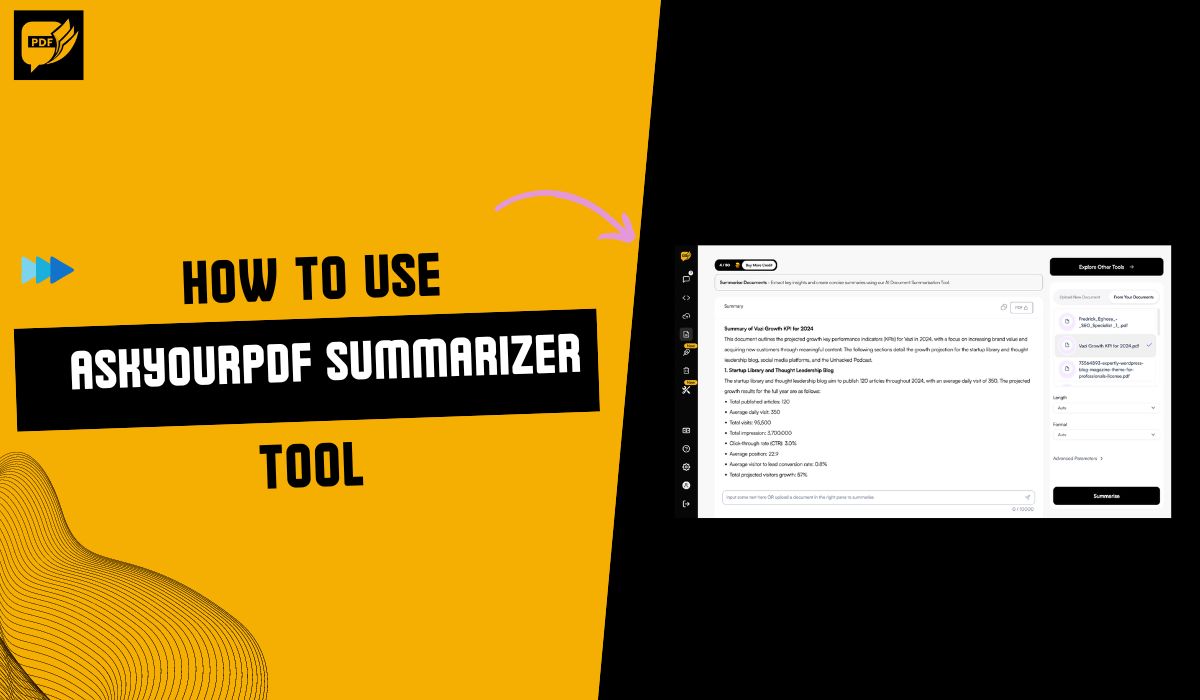
There are several ways to use the AskYourPDF summarizing tool. The most effective way to use the tool is to upload your document, set your desired summary length and style, and then click "Summarize" to get a concise AI-powered overview in seconds! You can even revise and adjust it for a perfect fi…
Read story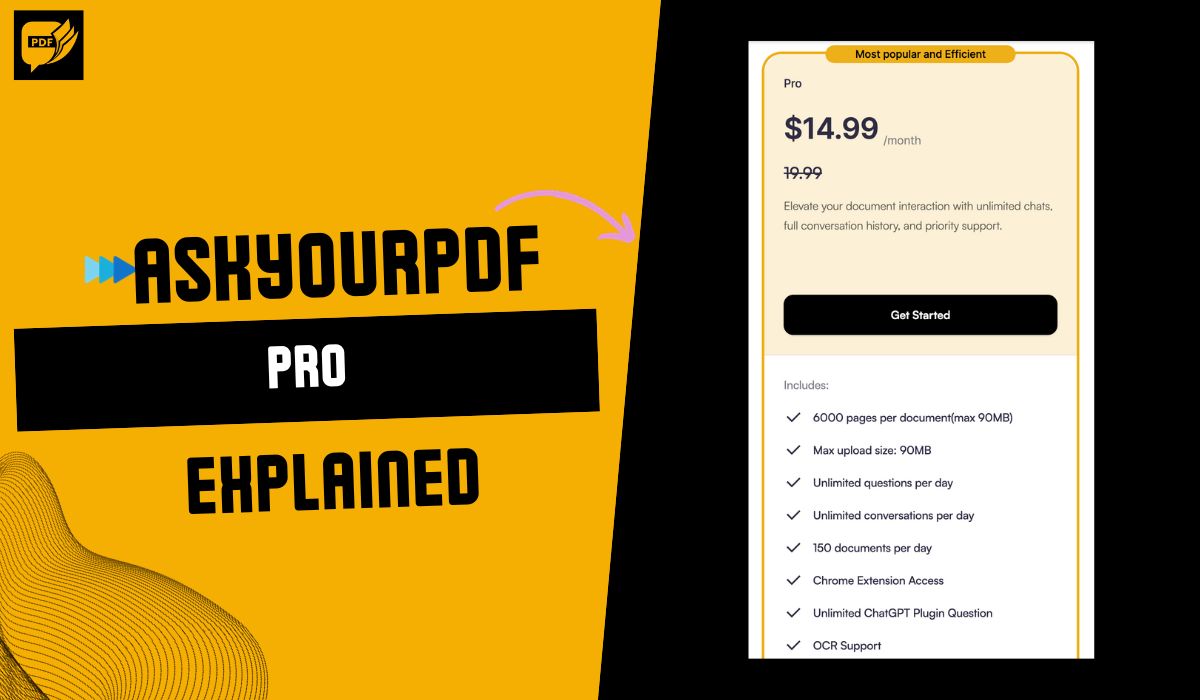
AskYourPDF Pro is an AI-powered Chrome extension that lets you interact with PDFs in a unique and efficient way. It's ideal for students, researchers, professionals, and anyone else who needs to quickly and easily access and understand information in PDF files.
Read story
One of the most common myths and misconceptions people tend to have about AskYourPDF is that the uploads aren't anonymous. Rest assured, your documents are securely stored and only accessible through your account.
Read story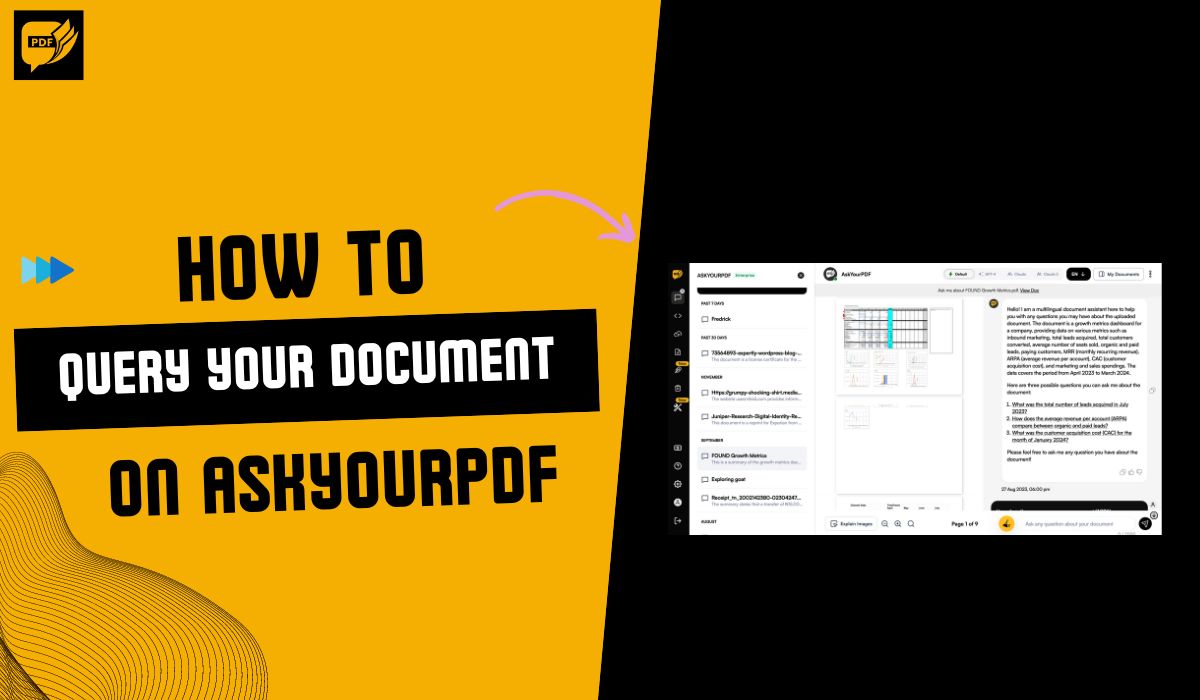
To query your document on AskYourPDF, validate your AskYourPDF plugin. Once it is validated, you can start querying any of your documents. You can request certain phrases or information from a document, like page numbers or quotes. The plugin will search its database to give you accurate answers.
Read story
Yes, AskYourPDF is a secure platform that poses no direct harm to you or your device's security. It functions within a protected environment and does not have access to any other areas of your device. You can confidently use the official AskYourPDF app or website, knowing your system is not suscept…
Read story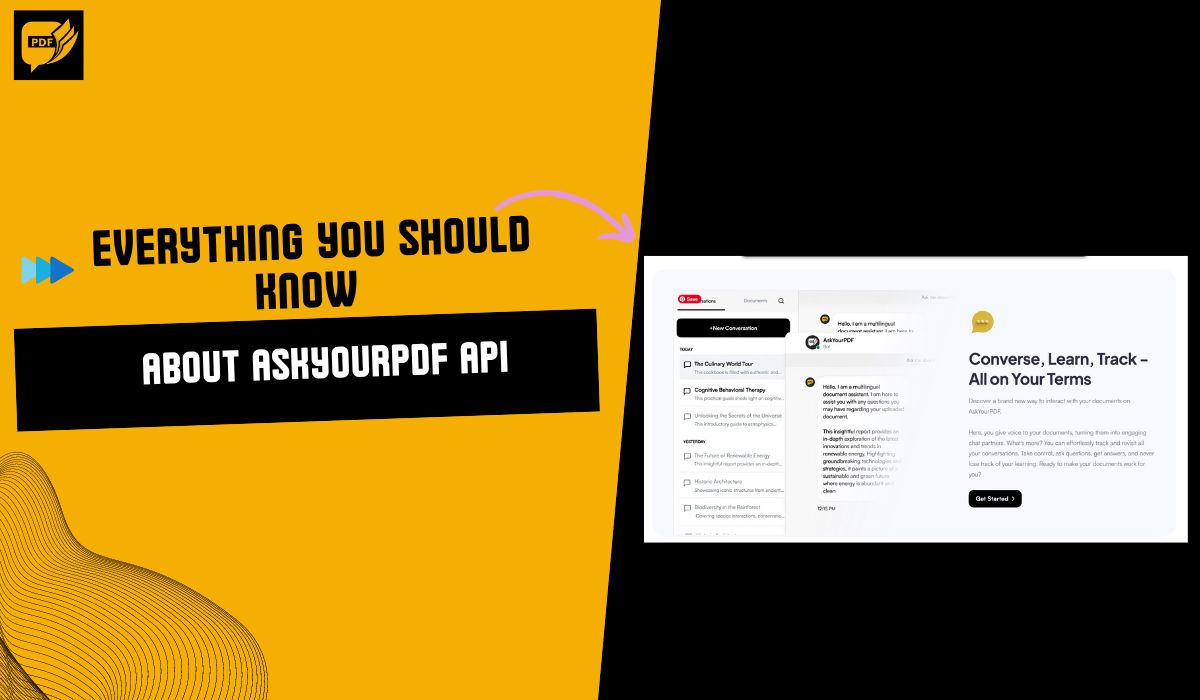
The AskYourPDF API is a powerful tool that facilitates PDF processing in various applications. AskYourPDF's API focuses on handling PDF files by integrating AI capabilities.
Read story
AskYourPDF is a cloud based document management tool that helps its users analyze, manage, and upload their documents on the server.
Read story
The AskYourPDF Knowledge Base service provides a platform for users to upload documents into one folder 📂 (knowledge base) from which they can ask questions and get answers based on those documents.
Read story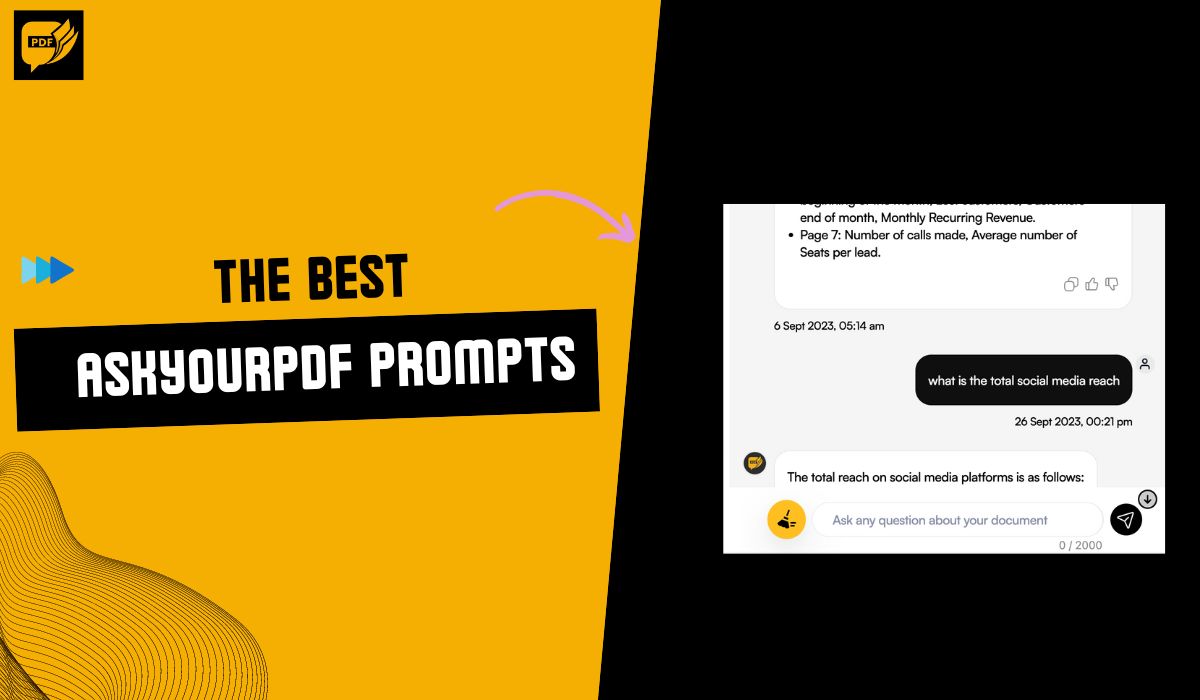
The best AskYourPDF prompts are clear, specific, and focused. They guide AskYourPDF toward giving you the desired outcome, whether summarizing information, extracting data, or completing tasks related to the document content.
Read story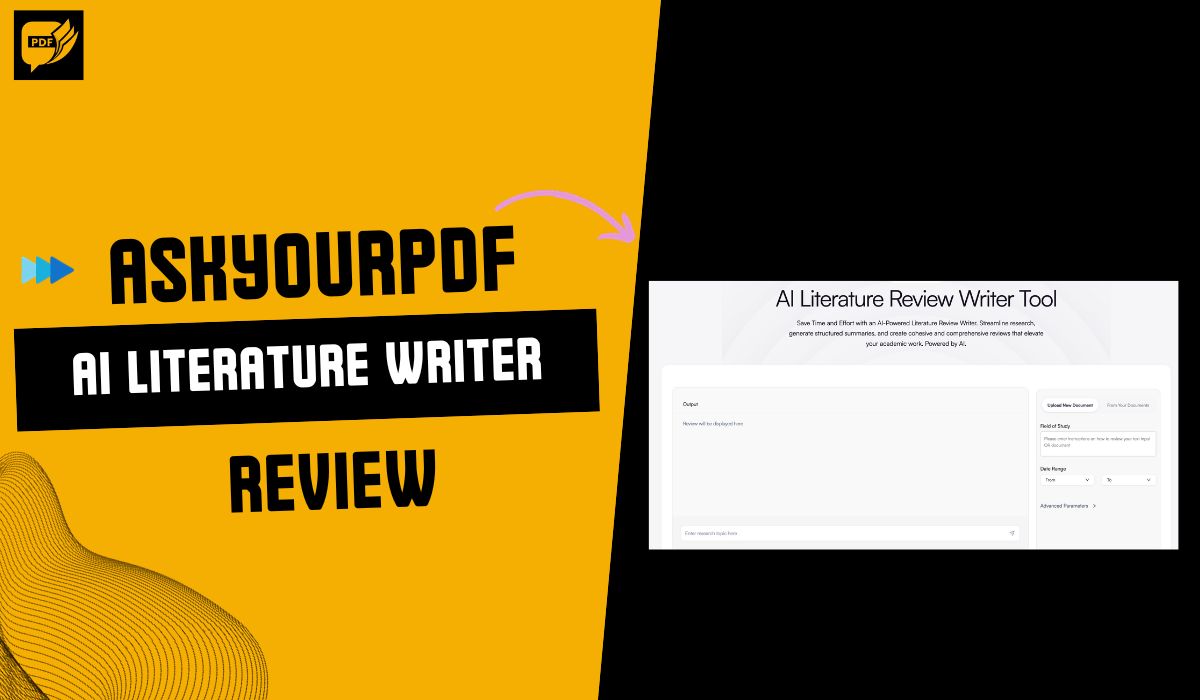
The AI Literature Review Writer Tool on askyourpdf.com is designed to alleviate the challenges faced by individuals engaging in extensive reviews of literary works. By harnessing the power of artificial intelligence, the tool aims to streamline research processes, generate well-organized summaries,…
Read story
AskYourPDF Subscription Policy Subscription Plans and Pricing: * Premium Plan: Priced at $9.99 per month. * Pro Plan: Priced at $14.99 per month. * API Pro Plan: From $19.99 per month. * Enterprise Plan: For details and pricing, contact us. Billing and Renewal: * All subscription fees are billed monthly and are due at the beginning of the subscription period. * Subscriptions are set to auto-renew at the end of each billing cycle unless otherwise specified or canceled by the subscribe
Read story



How to Install and Use AskYourPDF Plugin for ChatGPT✍🏻 The AskYourPDF plugin is a powerful tool that allows ChatGPT Plus users to query PDF documents and receive answers based on their content. This guide will walk you through the installation and usage. Prerequisites: You need to be a ChatGPT Plus user. Installation Steps: 1. Setting up the ChatGPT Console: * Open the ChatGPT console. * Click on your user avatar and "Settings & Beta" at the bottom left corner. 2. Enabling Plugins:
Read story